
Introduction
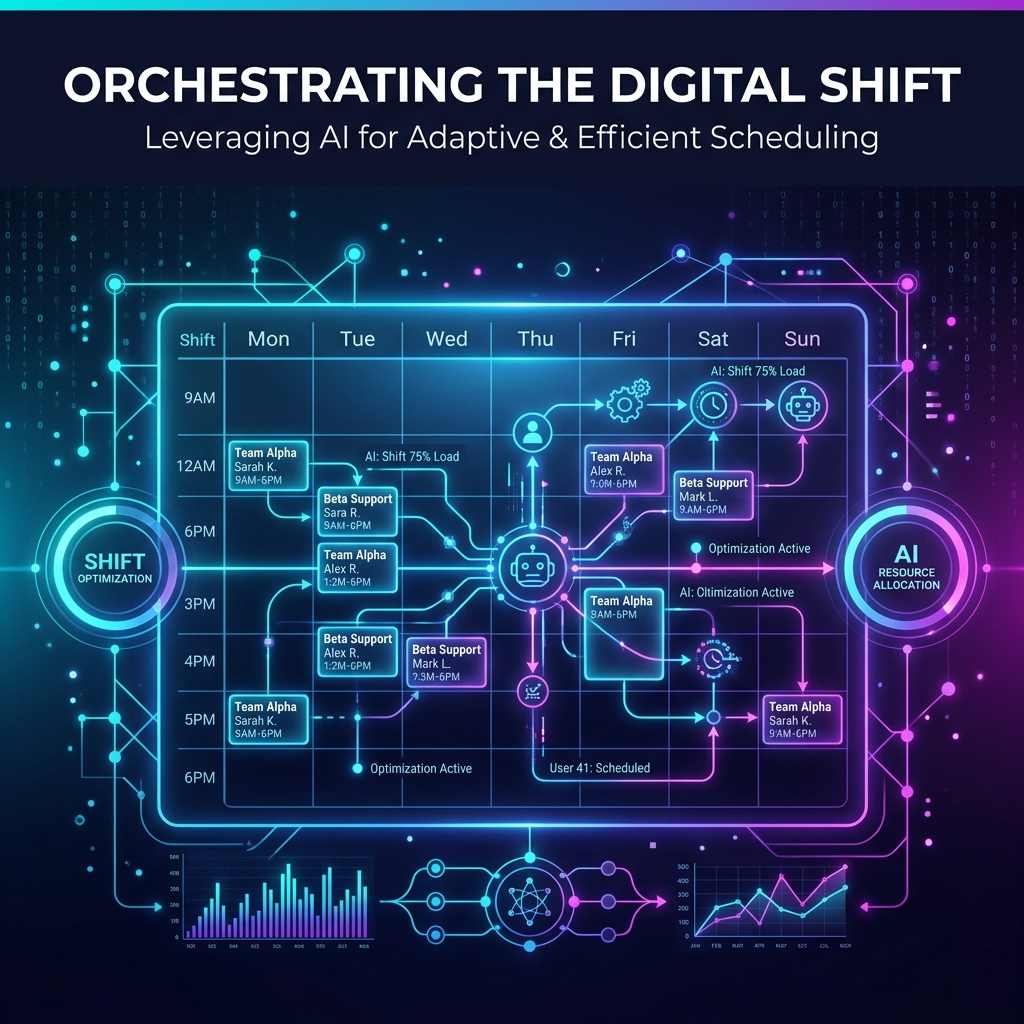
Modern organizations rely heavily on workforce planning to ensure that the right employee is available for the right activity at the right time. Whether it is a manufacturing unit, IT support center, healthcare organization, logistics company, or operations team, employee allocation and shift scheduling play a significant role in maintaining productivity while ensuring employee well-being.
Manually preparing allocation sheets every week or month becomes increasingly difficult as the number of employees grows. Apart from assigning employees to activities, organizations also need to follow company policies such as weekly offs, continuous working day limits, shift rotations, and special weekend staffing requirements.
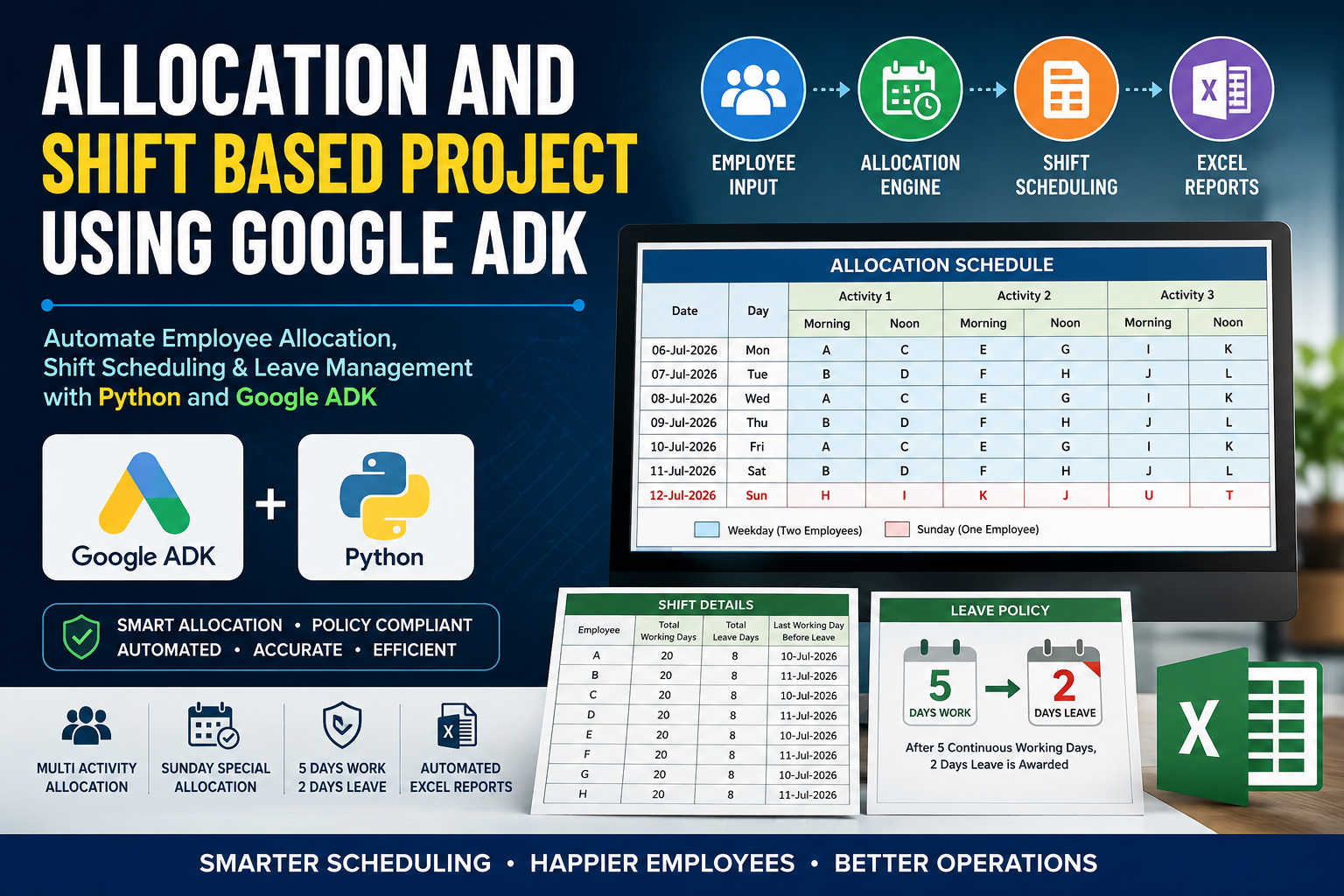
This article demonstrates how to build an Allocation and Shift Based Project using Google ADK and Python. The project automatically generates employee allocation and shift schedules while following predefined business rules. Instead of spending hours preparing Excel sheets manually, organizations can automate the complete scheduling process with minimal user input.
The objective is to create a practical solution that is easy to maintain, scalable, and capable of generating professional Excel reports.
Table of Contents
Why Automate Employee Allocation?
Employee scheduling involves much more than assigning names to shifts. A scheduler must ensure that:
- Every activity has enough employees.
- Morning and afternoon shifts are balanced.
- Sunday staffing follows separate rules.
- Employees receive mandatory weekly leave.
- Company policies are always followed.
- Reports are generated automatically.
Performing these tasks manually every month increases the chances of mistakes. Automation eliminates repetitive work and improves scheduling accuracy.
What is Google ADK?
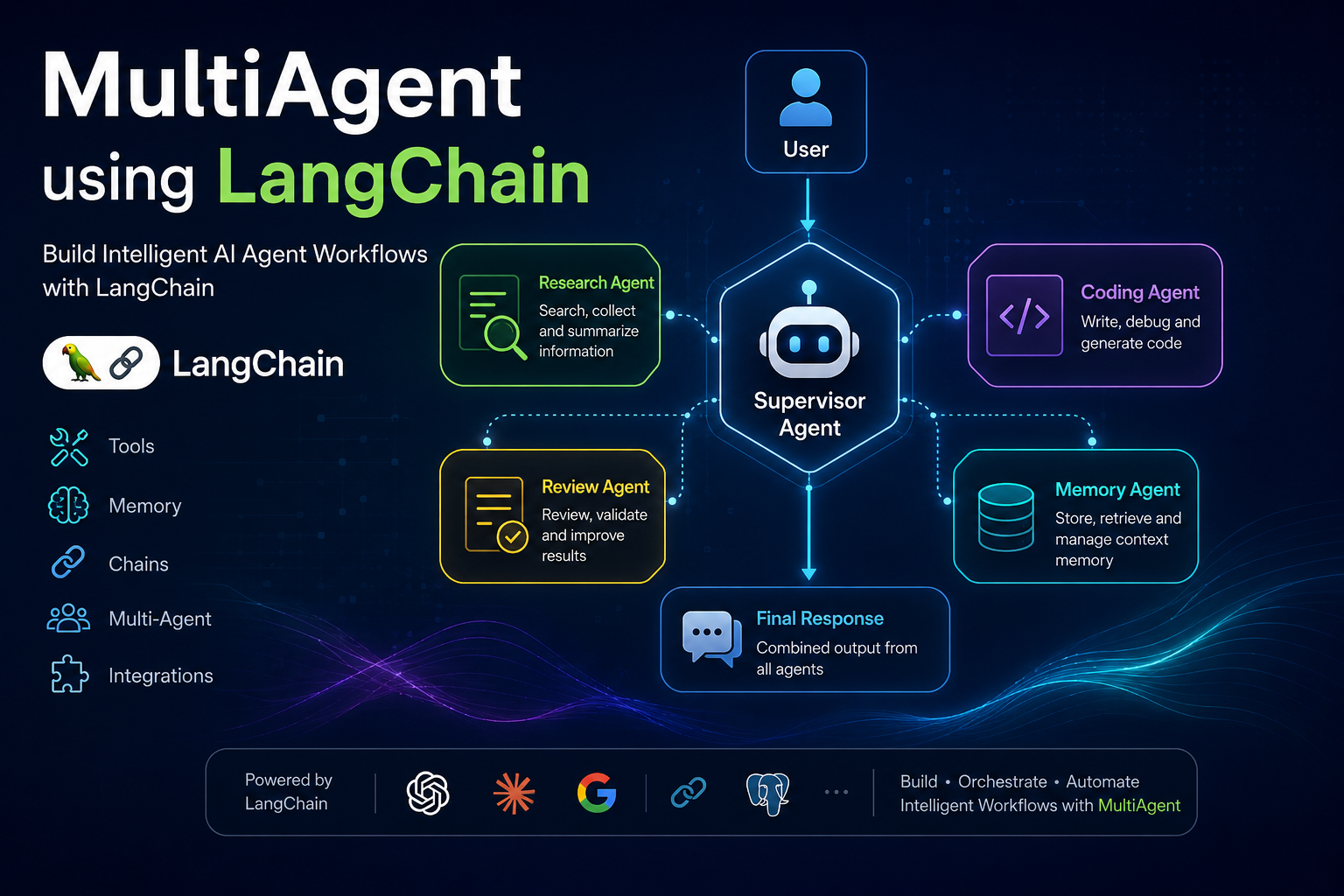
Google ADK (Agent Development Kit) provides a structured framework for developing intelligent agents capable of performing complex workflows. Instead of writing a large monolithic application, developers can divide responsibilities among multiple agents.
For an allocation project, Google ADK can coordinate several independent tasks such as:
- Reading user input
- Validating employee information
- Applying company policies
- Generating allocations
- Calculating employee shifts
- Exporting Excel reports
This modular architecture makes future enhancements much easier.
Project Overview
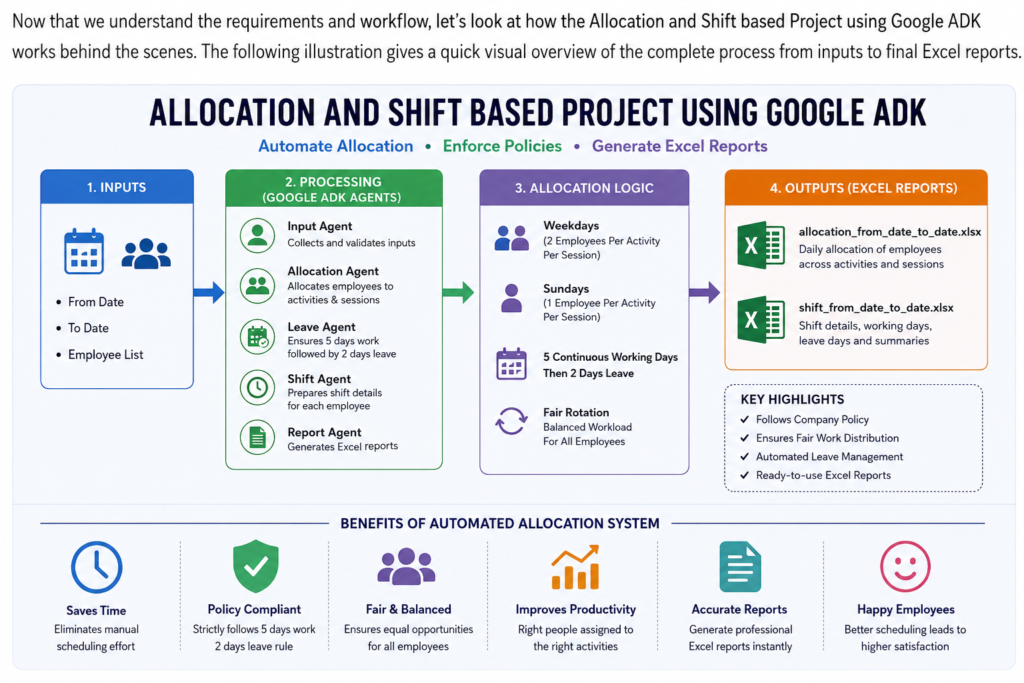
The project accepts a date range and employee list as input. It automatically prepares two Excel reports.
The first report is:
allocation_From_Date_to_Date.xlsx
This contains daily employee allocation for every activity and session.
The second report is:
shift_From_Date_to_Date.xlsx
This summarizes employee shifts, working days, leave days, and other scheduling details.
Business Rules
The scheduling engine follows several important rules.
1. Activity Allocation
Every activity requires dedicated employees.
Example:
- Activity 1 Morning
- Activity 1 Afternoon
- Activity 2 Morning
- Activity 2 Afternoon
- Activity 3 Morning
- Activity 3 Afternoon
Each activity is assigned employees according to predefined mappings.
2. Sunday Allocation
Sunday follows a completely different staffing pattern.
Instead of two employees, only one employee is assigned to each activity.
For example,
- Activity 1 Morning → One employee
- Activity 1 Afternoon → One employee
- Activity 2 Morning → One employee
- Activity 2 Afternoon → One employee
- Activity 3 Morning → One employee
- Activity 3 Afternoon → One employee
This reduces workforce requirements while ensuring operational continuity.
3. Five Continuous Working Days
One of the most important business rules is:
Every employee can work only five consecutive days.
After completing five continuous working days, the employee must receive:
- Day 6 → Leave
- Day 7 → Leave
The scheduler automatically tracks employee work history and assigns two consecutive leave days.
This ensures compliance with company policy and avoids employee burnout.
4. User Inputs
The scheduler accepts the following inputs:
- From Date
- To Date
Example:
From Date:
06-Jul-2026
To Date:
02-Aug-2026
The application automatically determines the total number of employees and creates schedules accordingly.
System Workflow
The project executes the following steps.
Step 1
Accept user inputs.
Step 2
Generate all dates between the selected range.
Step 3
Identify weekdays and Sundays.
Step 4
Allocate employees to activities.
Step 5
Track continuous working days.
Step 6
Assign two leave days after five working days.
Step 7
Generate Allocation Excel.
Step 8
Generate Shift Details Excel.
Google ADK Architecture
A multi-agent design keeps the project organized.
Input Agent
Collects
- Start Date
- End Date
- Employee List
Validation Agent
Checks
- Duplicate employees
- Invalid dates
- Empty employee list
Allocation Agent
Responsible for
- Activity allocation
- Morning assignment
- Afternoon assignment
- Sunday allocation
Leave Agent
Tracks
- Continuous working days
- Weekly leave eligibility
Automatically assigns two leave days.
Shift Agent
Creates shift summaries for every employee.
Report Agent
Exports
- Allocation Excel
- Shift Excel
Python Technologies Used
The implementation can use:
- Python 3.12+
- Google ADK
- pandas
- openpyxl
- datetime
- pathlib
These libraries simplify Excel handling and date processing.
Excel Reports
Allocation Report
The allocation report includes:
- Date
- Day
- Activity
- Session
- Employee Name
This report serves as the daily deployment schedule.
Shift Report
The shift report includes:
- Employee Name
- Date
- Shift
- Leave Status
- Activity
- Session
Managers can quickly verify employee workload and leave allocation.
Advantages of Using Google ADK
Traditional scheduling applications often contain all business logic in one place, making future maintenance difficult.
Google ADK introduces modularity.
Benefits include:
- Cleaner architecture
- Easy debugging
- Independent agents
- Better scalability
- Easier testing
- Faster feature development
If the company introduces a new leave policy or additional activity, only the relevant agent needs to be updated.
Real-World Applications
This project is suitable for many industries.
Examples include:
- Manufacturing plants
- IT operations
- Hospital staffing
- Security agencies
- Customer support centers
- Logistics companies
- Warehousing
- Telecom operations
- Educational institutions
- Utility services
Any organization that prepares recurring employee schedules can benefit from automation.
Future Enhancements
Several advanced features can be added later.
Some ideas include:
- Employee skill-based allocation
- Holiday calendar integration
- Night shift scheduling
- Leave approval workflow
- Email notifications
- WhatsApp shift alerts
- Dashboard with analytics
- Employee self-service portal
- AI-powered workload balancing
- Integration with HRMS systems
Google ADK makes it easier to introduce these enhancements without redesigning the entire application.
Benefits of Automation
Automating allocation and shift scheduling provides measurable advantages.
Organizations can:
- Reduce manual effort
- Improve scheduling accuracy
- Eliminate repetitive tasks
- Ensure policy compliance
- Generate reports instantly
- Save operational time
- Increase employee satisfaction
- Maintain transparent scheduling
These benefits become even more significant as the workforce expands.
Conclusion
Building an Allocation and Shift Based Project using Google ADK is an effective way to modernize employee scheduling. By combining Python with Google ADK’s agent-based architecture, organizations can automate complex allocation workflows while enforcing company policies such as five continuous working days followed by two mandatory leave days.
The project generates professional Excel reports for both allocation and shift details, reducing manual effort and minimizing scheduling errors. Its modular design also allows future enhancements such as AI-based workforce optimization, skill-based assignments, and integration with HR management systems.
Whether your organization manages a small operations team or a large workforce across multiple activities, this approach offers a scalable and maintainable solution for efficient shift planning.
Automation not only improves operational efficiency but also ensures that employees receive fair workloads and adequate rest, resulting in a healthier and more productive workplace.
Final Thoughts
Employee scheduling is often viewed as a routine administrative task, but it has a direct impact on productivity, employee satisfaction, and operational efficiency. A well-designed automated allocation system can save countless hours while ensuring fairness, consistency, and compliance with company policies.
Using Google ADK together with Python provides a strong foundation for building intelligent scheduling applications that can evolve alongside business needs. As organizations continue adopting AI-driven workflows, solutions like this will become an essential part of workforce management.
If you are interested in this article or want to collaborate, feel free to get in touch. I am available through the Contact Us page on TechToGeek.com.
Thank you for reading.